Your next collection, designed and molded.
Design in VASE 3D or bring an STL, OBJ, 3MF, PLY or GLB file. Moldy makes the parts you 3D-print to pour your own silicone or plaster mold.
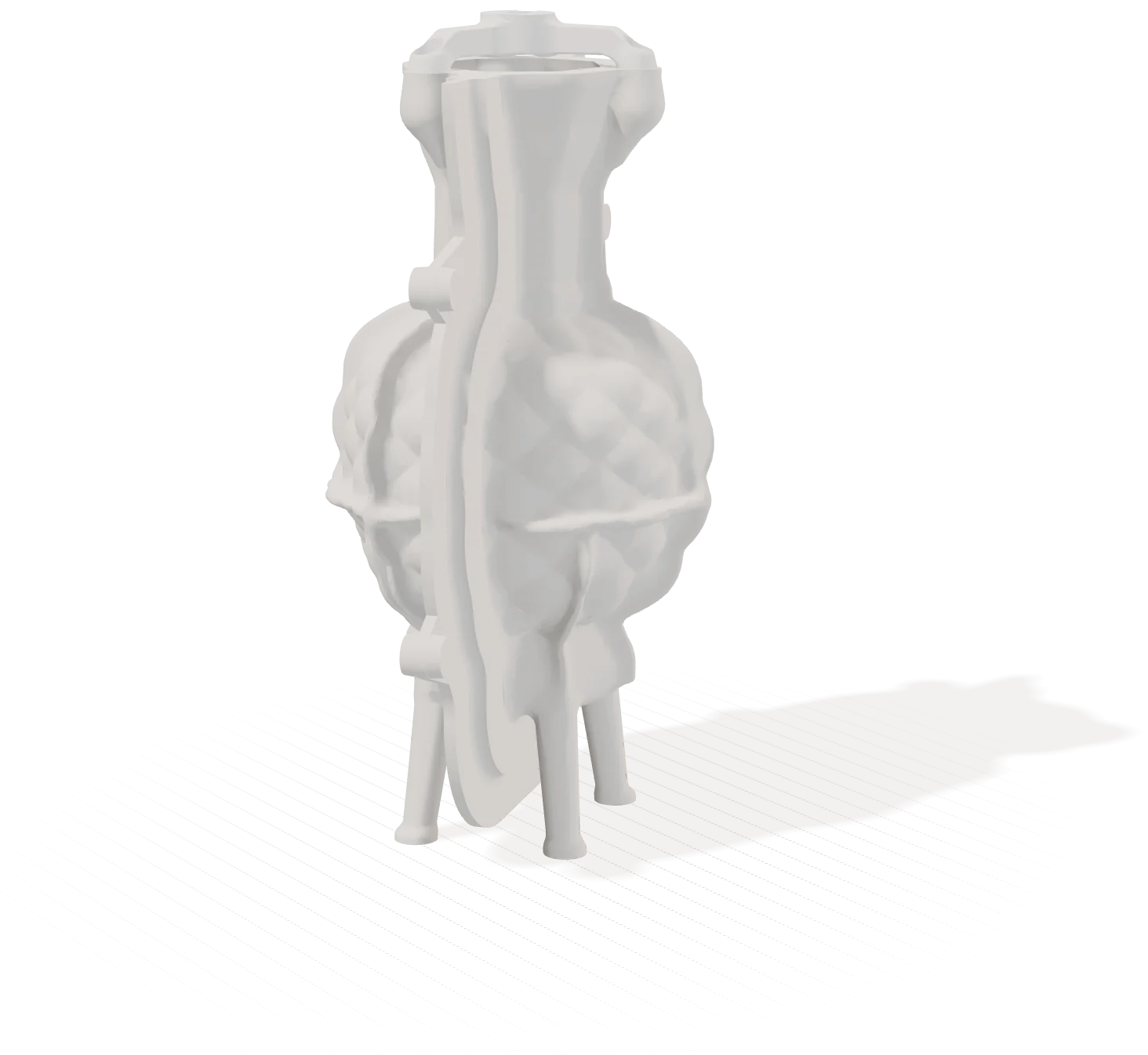
The mold kit Moldy makes for the Diamond Point urn at 170 mm, with 3 mm silicone. A 3D render of the real files; not poured yet.4 parts to print · case 175 × 113 × 218 mm
One urn, three steps.
-
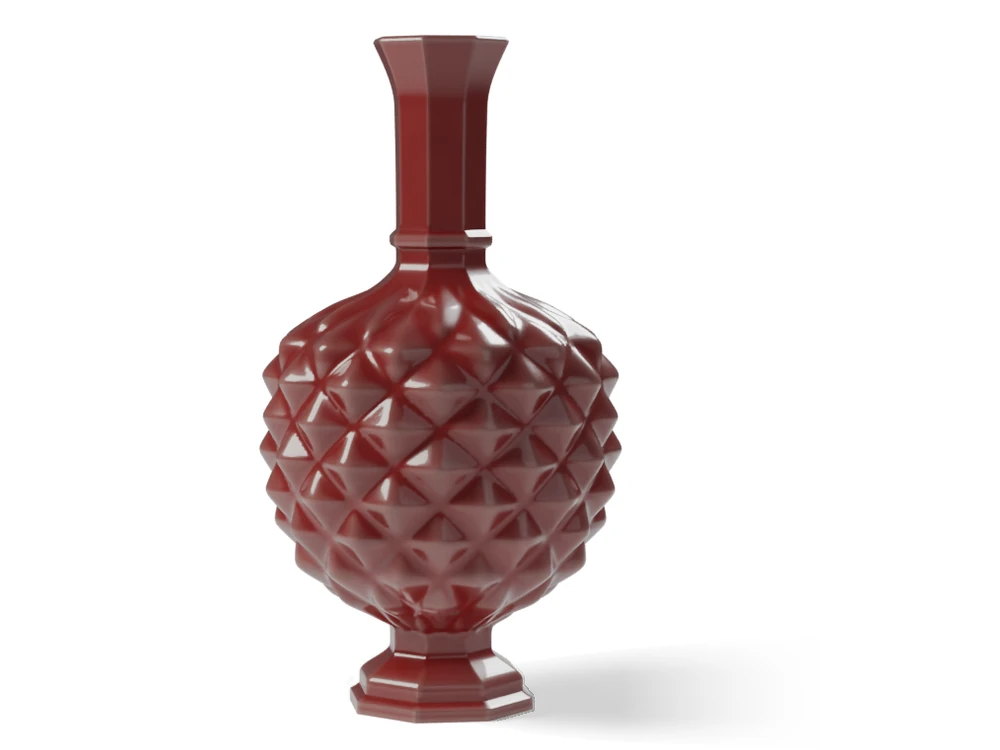
Design
The Diamond Point urn, designed in VASE 3D.
-
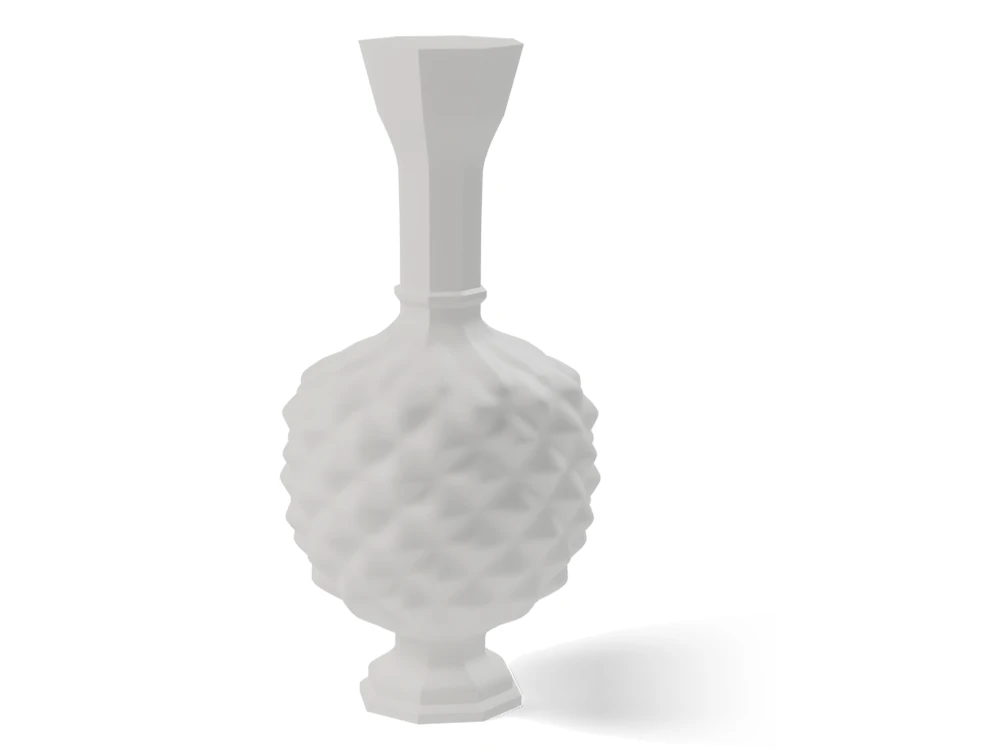
Export
VASE 3D saves the urn as a 3D file. Its funnel becomes the pour hole.
-
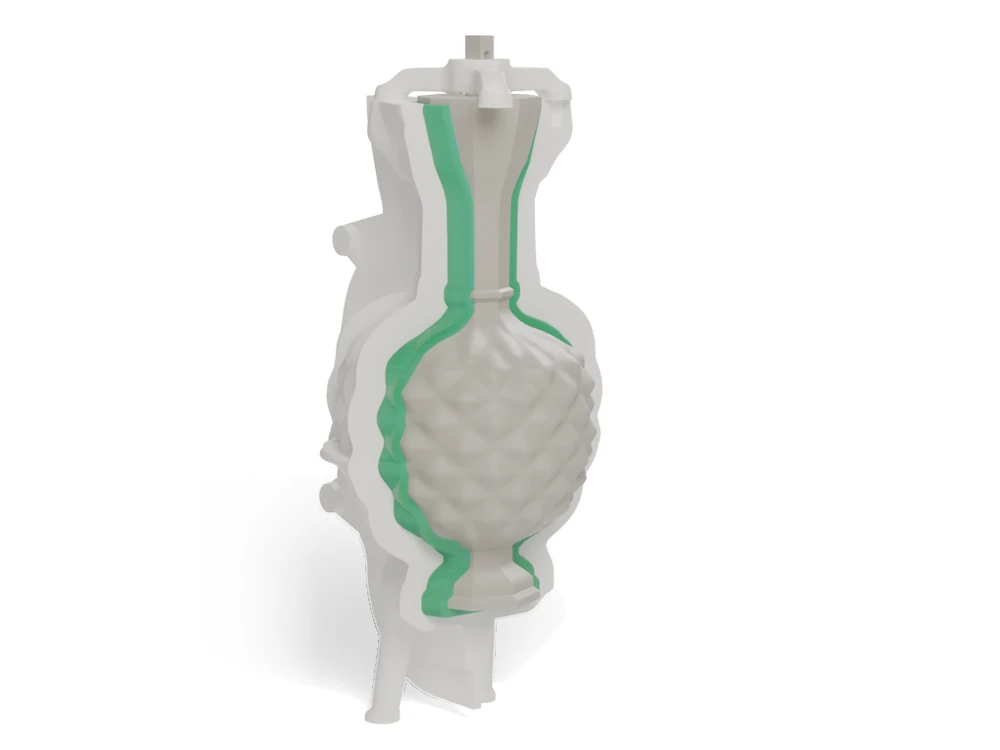
Print and pour
Moldy makes the two case halves and a printed copy of the urn. The green shows the space the silicone fills; poured, it sets into one silicone mold, held in the two-part case.


What Moldy checked on this urn’s kit
On screen, for the urn made 170 mm tall.
- 4parts to print, each a closed solid
- 0 mm³where the two case halves meet
- 154,089checks per case half: each lifts straight off, none blocked
- 256 mmall 4 parts fit one 256 × 256 mm print bed; the tallest stands 218 mm
- 105 mlabout this much silicone fills the mold, measured from the files
Only a print can tell
How tightly the halves fit, how well the clips hold, whether the seam seals, how easily the silicone lets go, and how strong the parts are.
Bring your own 3D file.
These are free museum scans. Moldy made the printed kit for each mold.
Moldy makes clay tools too.
Hump and press molds, jiggers and extruder dies from your 3D file, and texture rollers and sprig molds from a pattern you pick. Free. For slip-casting, Moldy also makes plaster molds of two halves and a base, with a printed case to pour each part in, for pieces that are round all the way round.
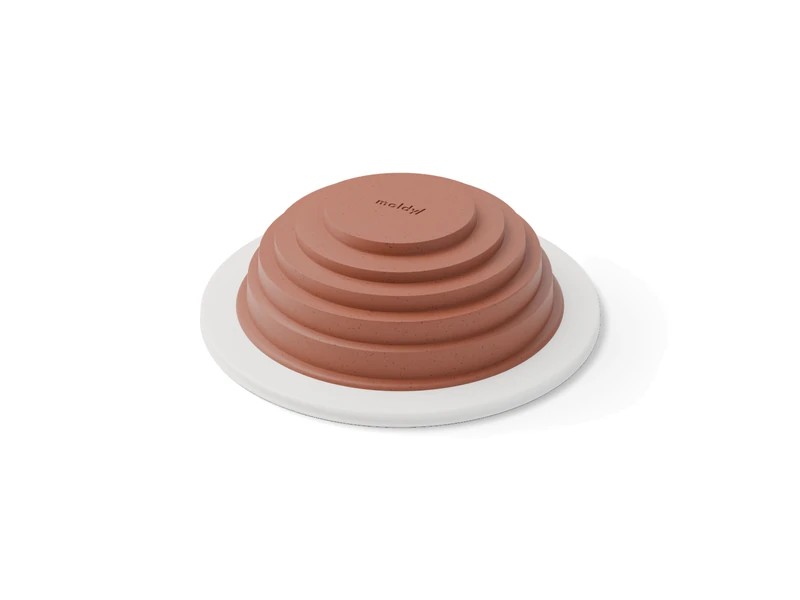 Hump molddrape a slab over it
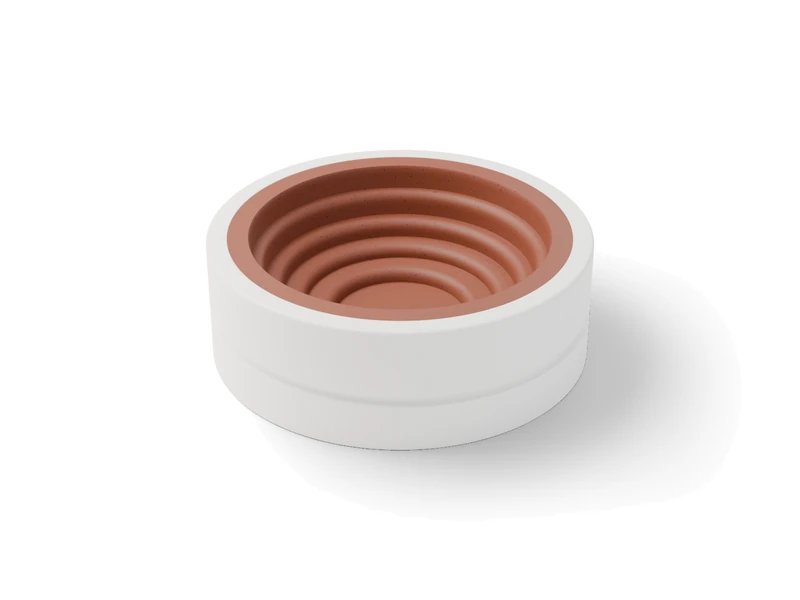 Press moldpress clay into it
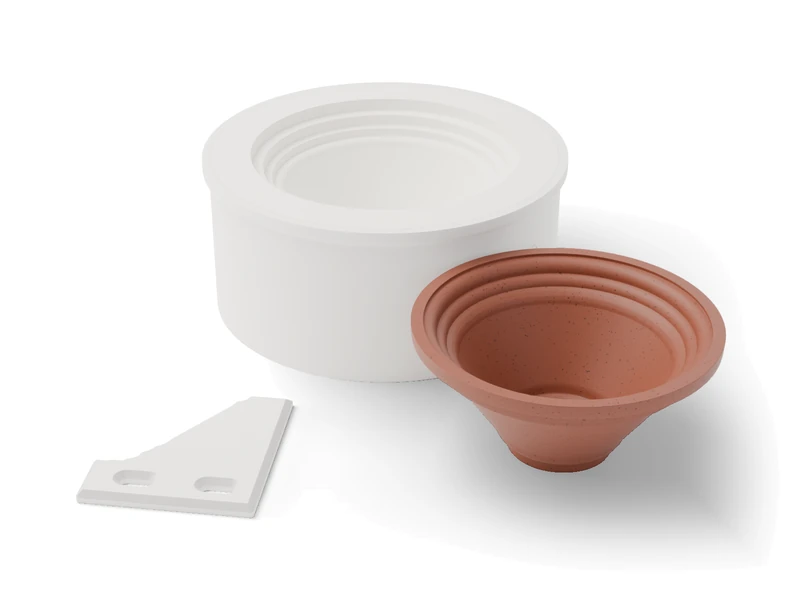 Jiggershapes pots on the wheel
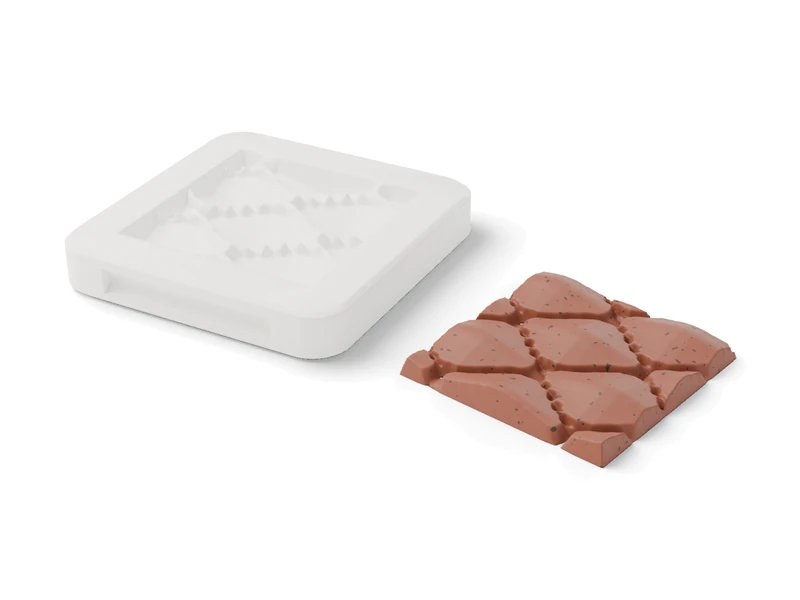 Sprig molda motif you pick, to press
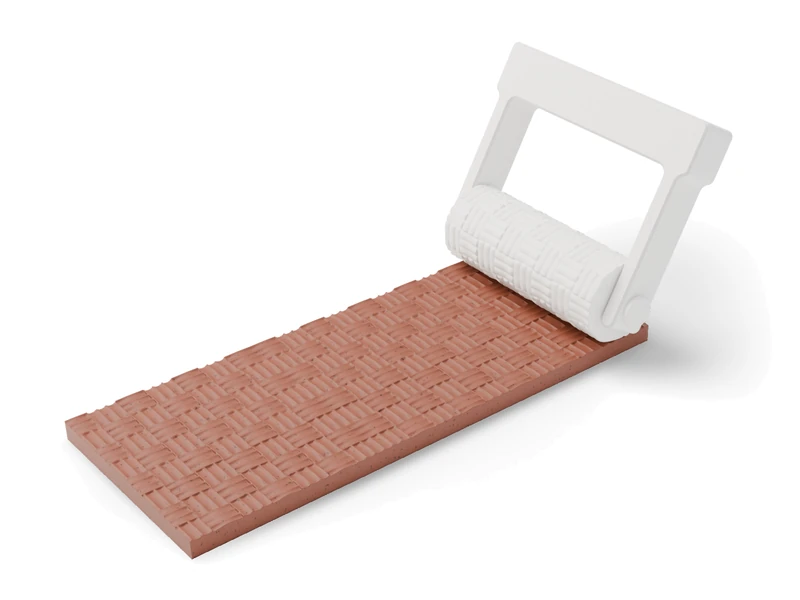 Texture rollerrolls a pattern into clay
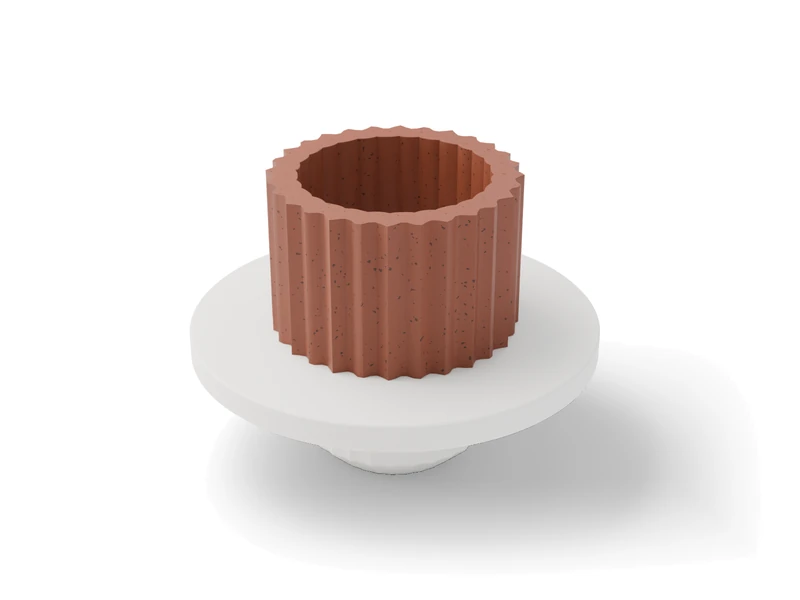 Extruder dieyour piece's outline as a clay tube
What’s free and what you pay for.
$29a month for this urn’s Maker patterns in VASE 3D, 7 days free$0its mold, made in Moldy today
You buy the silicone, filament and clips. Prices as of 14 October 2026.
moldy/makes the molds

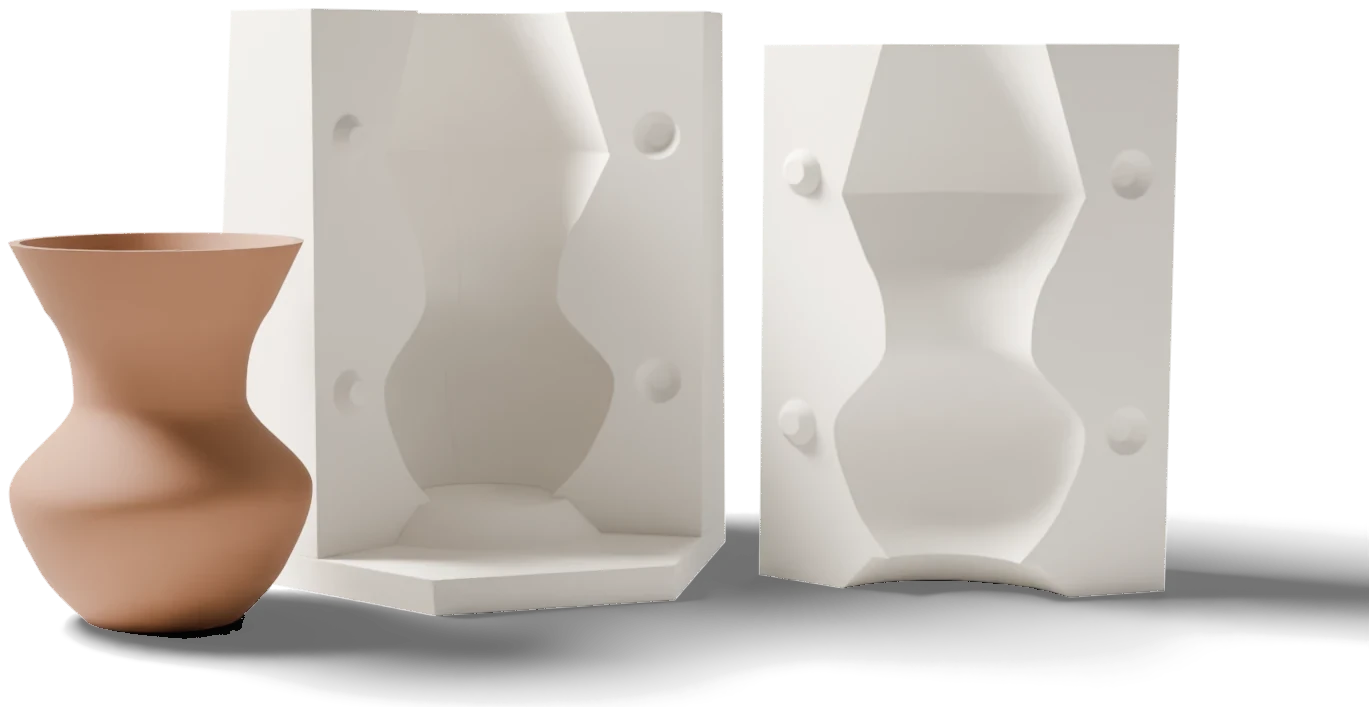
VASE 3Ddesigns the pieces


Make a mold for your piece.
Moldy checks your piece first. If it can’t plan a mold for it, Moldy tells you why and shows where it catches, before you print anything.
Or try it with this urn: download its 3D file (2 MB), open Moldy, set the height to 170 mm, pick Silicone mold, and tap “Use 3 mm silicone” if asked.
- Opens
- STL, OBJ, 3MF, PLY or GLB, up to 256 MB, including VASE 3D files. For other files, you place the pour hole.
- You get
- One download: the parts to print (STL), a print plate (3MF), a print sheet, written step-by-step instructions, the settings and checks, your file and its sized copy.
- Runs
- In your web browser. Your file stays on your computer.
- Account
- None needed today, to use Moldy or to download a kit. You tick a short safety note first.
- Size
- Made for your printer’s bed (256 mm unless you change it). If a part is too big, Moldy offers to shrink the piece to fit.
- Before you pour
- Moldy tells you to soap a print before plaster, and to seal resin prints before platinum silicone, which they can stop from curing.
- Layer lines
- They show in the cast. Print the copy at fine layers (Moldy suggests 0.12 mm) or smooth it first.
- Food
- Printed parts are not food-safe. For food, pour a food-grade silicone mold from them and follow the silicone maker’s instructions.
The pictures are 3D renders of the files Moldy and VASE 3D made. Moldy checks each mold on screen, not with a real pour, and does not test how the silicone comes off your piece. Print a small test before your first full pour. Any silicone or plaster amounts are estimates.